Library app


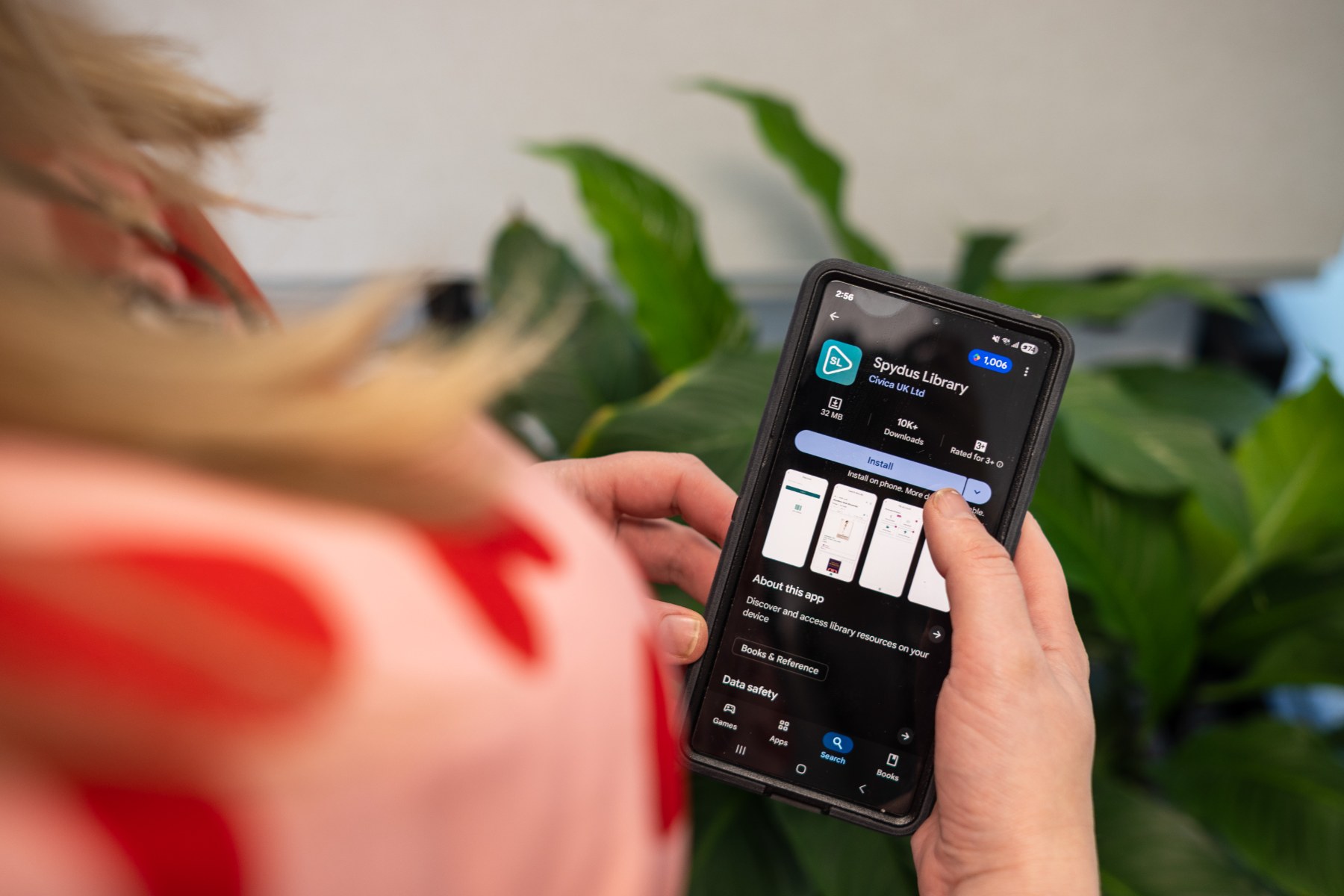
The Spydus Library mobile app is specifically designed for use on mobile phones and small mobile devices, it is not required for tablets/iPads.
To set Spydus Library up, download the app to your mobile device from the App Store or Google Play
- Open the Spydus Library app on your mobile device and select library 'Gore District Library'.
- Push Login or Join
- Type in your username (borrower number)
- Type in your password which is your 4 digit pin (default pin is your birthday DDMM format. For example, if your birthday is 14 February, your pin will be 1402 unless you have changed it yourself)
- Tap Login
You should be able to access your information screen. If you have trouble please call the library.